 Studio
Works straight with your eBay store
Every eBay listing, a full photoshoot.
Connect your store. Soldvio Studio turns the plain photos on your listings into scenes, on-hand shots and videos, then puts them on eBay for you. No uploading, no editing.
Move your mouse to look around. Click to deal them again.
Six pieces. Every look.
Real pieces from a real eBay store. Swipe through them, then pick a look to see what the studio made from one plain photo.
Round solitaire
Drawn by AI from the photo, checked against it.
Watch a listing get made over.
Three plain photos become seven and a video: read from eBay, made, checked against the real piece and added back. You never touch a file.
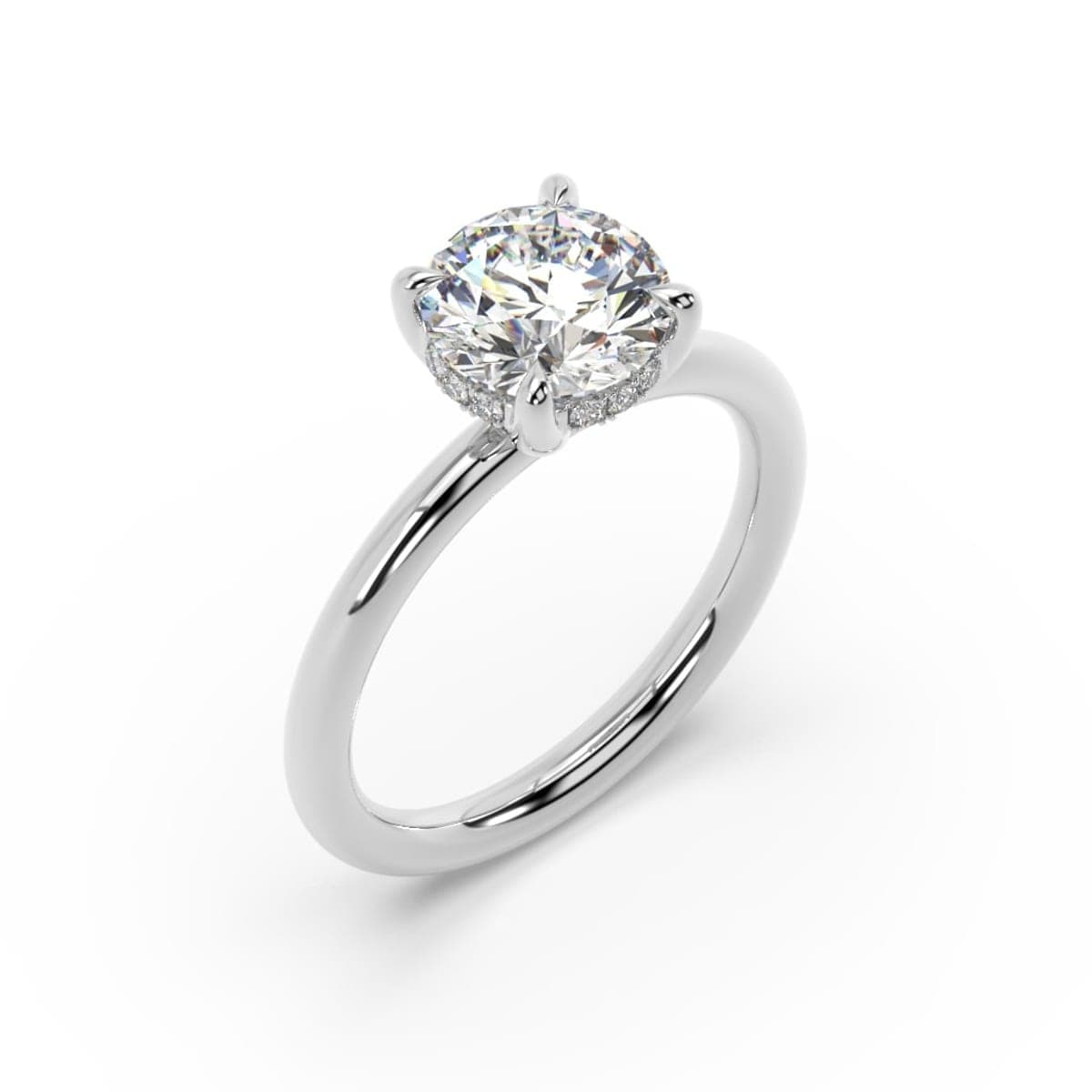
Classic Round Solitaire Engagement Ring 2.14 ct Lab Grown Diamond IGI F VS 14K
3 photos
Reading your listing on eBay
Making 4 images and a video
Adding them to your listing
Before: 3 plain photos.
From eBay, back to eBay.
- 1
Connect eBay once
Sign in on eBay's own page. We never see your password, and your listings and photos appear in the studio.
- 2
Pick listings and a look
One piece, a whole category, or every listing with fewer than 8 photos. Marble, velvet, a ring box, a hand, a model.
- 3
Check them on one screen
Every new image is checked against your photo first. Untick anything you don't like; only what you keep goes on.
- 4
On eBay in one click
Straight onto each listing, after your main photo. Live in minutes. Nothing to download or upload.
Built for a whole store.
Clean up every main photo
Pure white, the piece filling the frame, the way eBay search rewards. Old and new side by side before anything changes.
Top listings up to 8 photos
Filter to listings short of photos, pick a mix of looks, and each gets just enough new images.
New listings, done for you
Choose your store's look once. Every listing you add later gets it within hours, waiting for your OK.
Videos for the video slot
A 6-second loop of the piece catching the light, put in the listing's eBay video slot.
Gets better every week
Each image is checked against your photo, and the studio learns from what you keep and rate.
See what it does
Views, click rate and sales of listings with studio images next to the rest of your store.
Pay only for what you make.
Prepaid credits, no subscription. Buy more, pay less per image.
Loading prices…
Questions.
Do I need to download or upload anything?
No. Connect your eBay store once, on eBay's own sign-in page. Soldvio Studio reads your listings and photos and puts the images you approve straight onto them. We never see your eBay password.
Will the AI change my piece?
Clean main photos and plain colours keep your actual photo. Lifestyle scenes, hands, models and videos are drawn by AI from your photo, so the piece really sits in the scene. Every image is checked against your photo before you see it, and you confirm the stones, setting and metal match before it goes on eBay.
Can I change my mind?
Nothing goes on eBay until you press Add. You check every image first and untick any you don't want.
Are the images the right size for eBay?
Yes: square by default and 1600 pixels, the size eBay recommends for zoom. New images go after your main photo unless you choose otherwise.
Can I use them on Instagram or my website?
Yes. Download any run as a zip with full-size files plus Instagram post and story sizes.
Is there a subscription?
No. The account is free; buy credits when you need them (card or UPI) and pay only for what you make.
Your listings, made over today.
Free account, connect eBay, buy a small pack, try a look on your own pieces. About five minutes.
Create your free account